
Smooth Operator Pro for Keyboards: Make Piano, Synths and B3 Sit in the Mix

Keyboards often mask other instruments because their harmonic content changes from chord to chord. A static EQ cut may solve one chord and make the next one too thin.
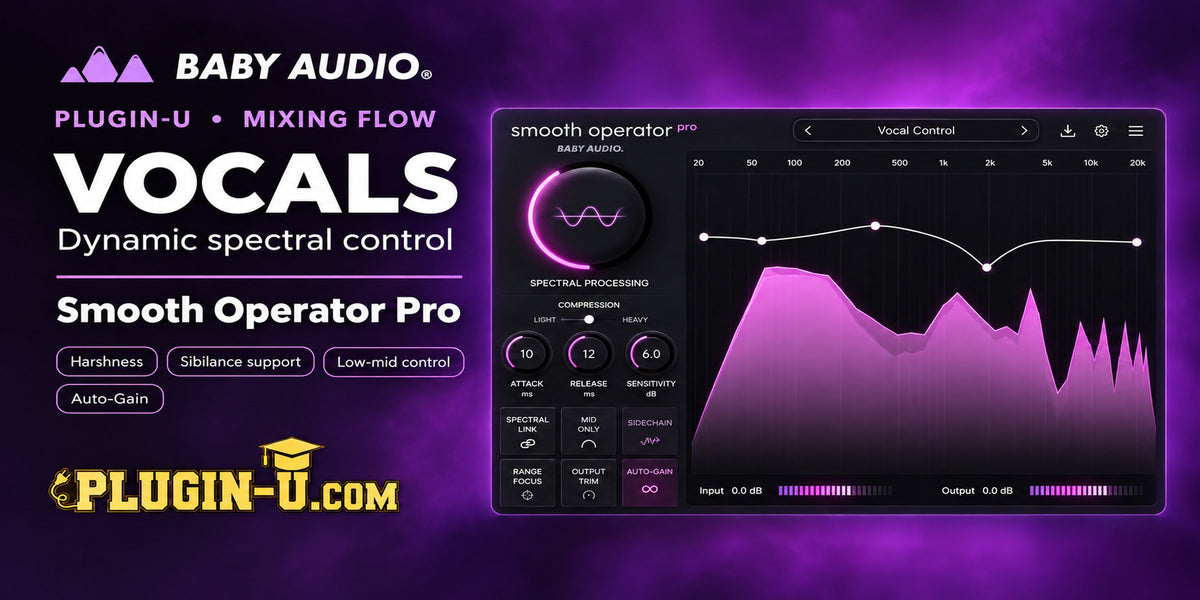
Smooth Operator Pro is useful because the processing follows the signal. The same idea also makes its sidechain mode particularly powerful on a full keyboard bus.
Quick Flow
|
Stage |
Plugin / Role |
Purpose |
|
Piano |
Dynamic low-mid cleanup |
Reduce chord-dependent mud without permanently thinning the instrument |
|
Synths |
Broad spectral balancing |
Keep pads wide and full while trimming the energy that overwhelms the arrangement |
|
B3 |
Midrange control |
Reduce competing harmonics only when they become dominant |
|
Keys Bus |
Vocal sidechain |
Create frequency-specific room for the singer instead of broadband ducking |
1. Piano: Control the Chords That Build Up
Listen to the piano in context and identify whether certain chords suddenly make the mix cloudy. This often occurs in the lower mids, where left-hand notes and dense voicings accumulate energy.
Instead of cutting that entire area with static EQ, let Smooth Operator Pro reduce the buildup when those chords occur. The piano can retain more body during lighter passages.
2. Synth Pads: Reduce Density, Not Width
Large pads can sound expensive in solo and overwhelming in the mix. Start with a broad, gentle curve and use the threshold to shave the densest spectral areas.
Do not immediately narrow the stereo image. First determine whether the real problem is spectral competition in the center. Use the M/S controls when you need different treatment for center and sides.
3. B3: Keep the Growl but Manage the Midrange
B3 is rich in harmonics, so the goal is rarely to make it clean. Target the part of the midrange that becomes dominant only when the drawbar combination, chord voicing or rotary tone gets aggressive.
A dynamic approach can preserve the organ’s personality better than a permanent notch.
4. Put Smooth Operator Pro on the Keyboard Bus and Sidechain the Vocal
This is one of the most useful applications of the plugin. Feed the lead vocal into the sidechain of Smooth Operator Pro placed on the keyboard bus.
The processor can then reduce the keyboard frequencies that are most dominant in the vocal signal. When the singer stops, the keys return naturally. Unlike broadband ducking, the whole keyboard section does not need to get quieter.
5. Use Lo and Hi Preserve to Protect the Edges
If you want the low foundation or high-air region to remain less affected, use the Lo and Hi Preserve controls. This is especially useful on wide synths where you want to create midrange room without stripping the extremes.
Treat these as boundary tools: protect what needs to stay stable and let the center of the spectrum do the work.
Useful Starting Points
- Piano: focus on chord-dependent buildup rather than permanent low-mid cuts.
- Pads: broad, low-depth suppression often works better than many narrow nodes.
- B3: target the dominant midrange while keeping harmonic character.
- Keys bus sidechain: start subtle; the best result sounds like better arrangement rather than audible pumping.
What to Listen For
- The lead vocal becomes easier to understand without the keyboard bus obviously getting quieter.
- The piano retains body between dense chords.
- Pads remain wide.
- The B3 still sounds like an organ rather than a filtered imitation.
Common Mistakes
- Using sidechain depth high enough to hear the keys pump.
- Flattening a pad’s entire spectrum because it looks dense.
- Treating all keyboard sources with the same target curve.
- Using M/S processing before identifying whether the mask is actually in the center.
|
Plugin-U Takeaway |
|
Next Step |

Leave a comment
This site is protected by hCaptcha and the hCaptcha Privacy Policy and Terms of Service apply.